2022-04-20
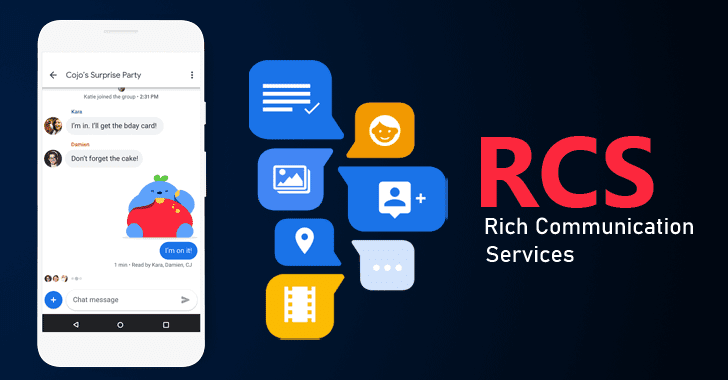
Rich Communication Services enables our phone messages to do things like share high-res photos and files, chat with a group, know when messages are read, or video call, etc.
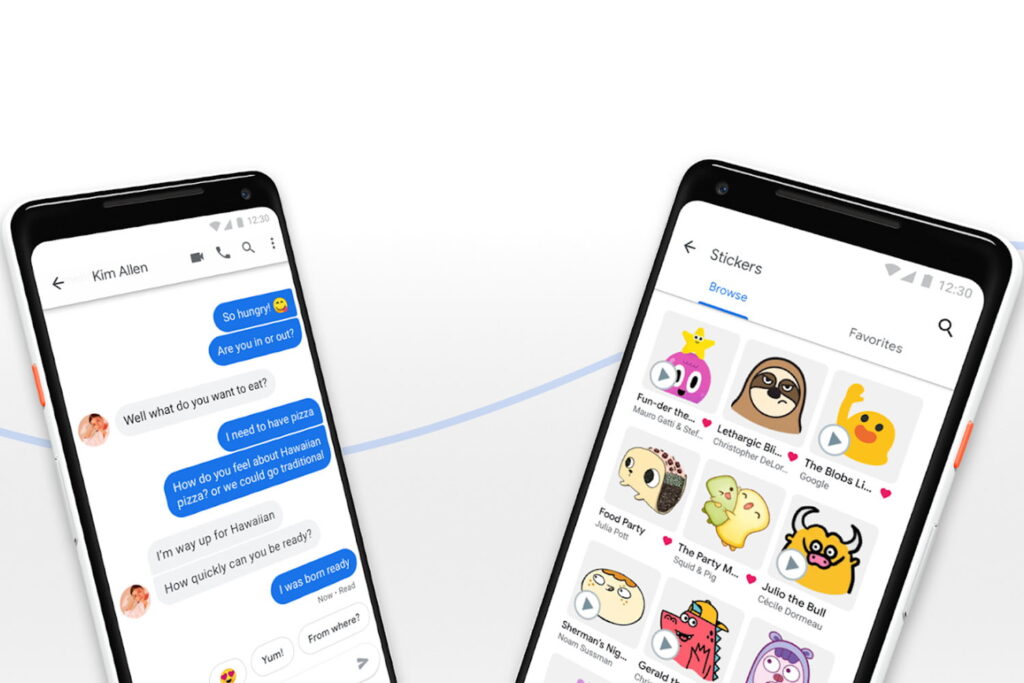
Rich Communication Services (RCS)
Not every major smartphone advance is hardware-based or flashy, and RCS is a solid example of that. RCS messaging is anything but. A massive upgrade to the outdated SMS-powered text messaging we’ve been enjoying since the 1990s, RCS messaging turns your text messages into a high-powered chat app, complete with read receipts, real-time reply indicators, and interactive media.
Advantages
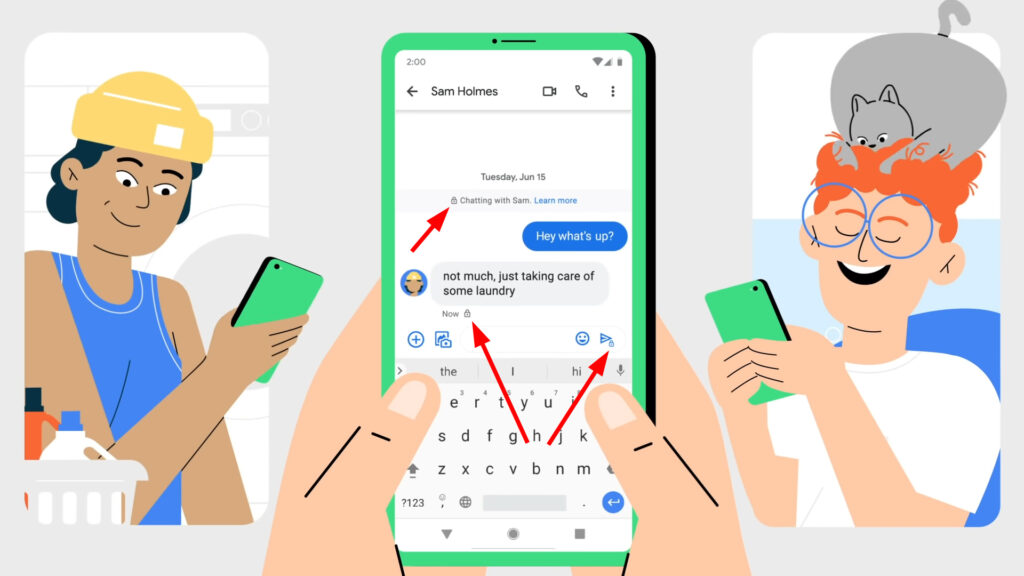
Rich Communication Services (RCS)
Steps to enable
PS: Both sender and receiver need to enable Chat features to get it work
Learn more at Official Website: Why RCS? (google.com)
Learn more about RCS at Wikipedia: Rich Communication Services - Wikipedia
We use cookies to improve your experience on our website. By continuing to use this website, you agree to our use of cookies.

